
Notes in, recap out
Turn rambling meeting notes into clear, actionable recaps.
Paste messy notes, bullet fragments, or raw call transcripts. Batten structures them into executive summaries, key decisions, and assigned action items ready to share.
1 credit per recap · credits never expire · no bot, no recording
- Sync with Alex & Dev team.
- Agreed to push mobile release to Oct 14 so QA can finish auth testing.
- Sarah will finalize push notifications by Wednesday.
- Mark needs to send updated API spec to frontend by tomorrow noon.
- Budget approved for new logging tool ($200/mo).
- Next sync Friday 10am.
Owners found
- Sarah
Finalize push notification implementation by Wednesday.
- Mark
Deliver updated API specification to frontend team by tomorrow at 12:00 PM.
- Team
Next sync scheduled for Friday at 10:00 AM.
Worked example
From disorganized scratchpad to executive clarity
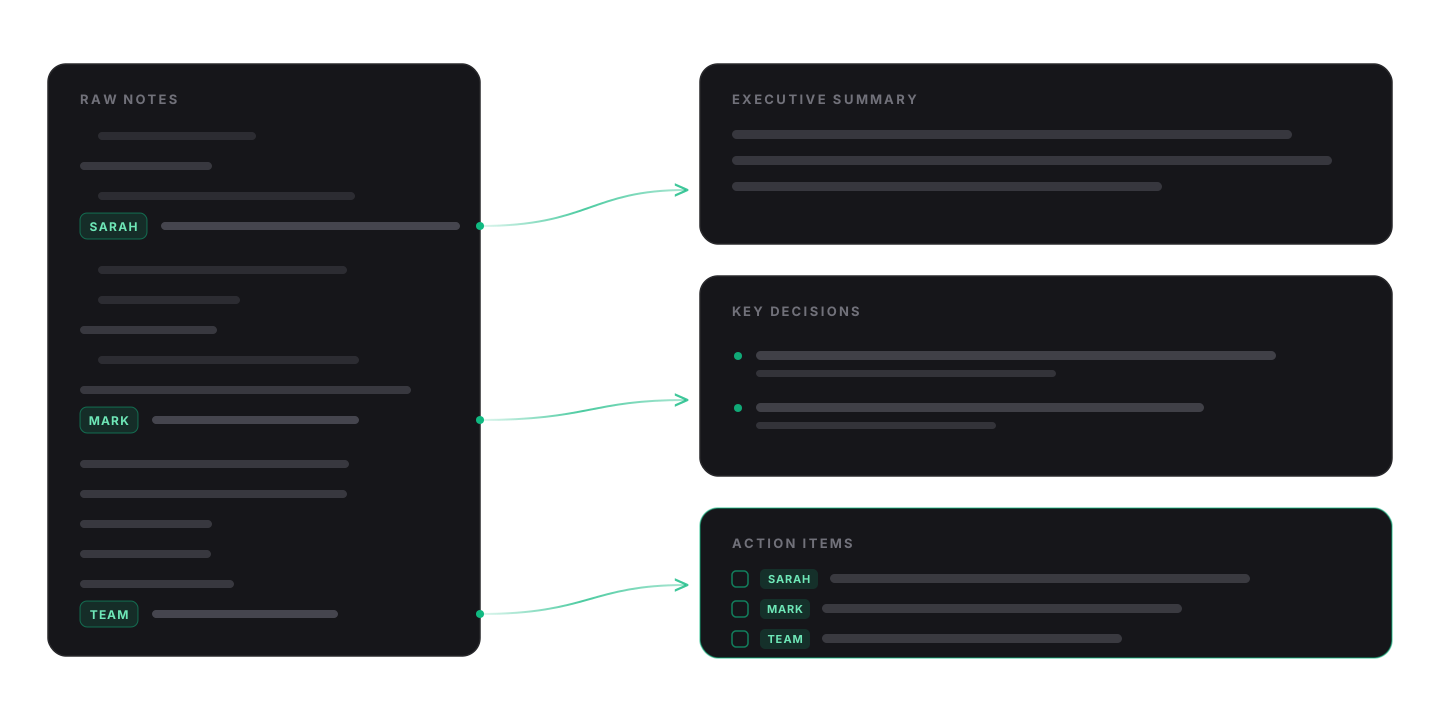
Watch raw shorthand parse into a structured brief. Every action item keeps the owner it came from — select a name to trace it back through the notes.
- Sync with Alex & Dev team.
- Agreed to push mobile release to Oct 14 so QA can finish auth testing.
- Sarah will finalize push notifications by Wednesday.
- Mark needs to send updated API spec to frontend by tomorrow noon.
- Budget approved for new logging tool ($200/mo).
- Next sync Friday 10am.
Mobile Release Sync — Oct 2
Executive summary
The team finalized the mobile release schedule, pushing the target launch to October 14 to accommodate comprehensive QA testing on authentication flows.
Key decisions
- Mobile release target date moved to October 14.
- $200/month budget approved for the new logging platform.
Action items
- SarahFinalize push notification implementation by Wednesday.
- MarkDeliver updated API specification to frontend team by tomorrow at 12:00 PM.
- TeamNext sync scheduled for Friday at 10:00 AM.
3 action items, 3 owners found in the notes
How it works
Three simple steps from call to recap
Two inputs are required: the notes and a tone. Everything else is optional.
01
Paste your scratchpad
Drop in bullet fragments, shorthand or a transcript excerpt. Nothing to connect, nothing to record.
02
Pick a tone, add a topic
Choose direct, formal or casual. A meeting topic is optional context, not a required field.
Recap tone
Concise and factual. Bullet-forward, zero filler.
03
Copy or keep it
Copy formatted markdown straight into email or chat, or leave it in your recap library.
The extraction
Engineered specifically for meeting outcomes
Unlike a general chat model, Batten keeps three things apart: the context of the call, the agreements that are now binding, and the concrete next steps with an owner attached.
- ContextExecutive summary
- What the meeting was for and what changed, in one short read.
- AgreementsKey decisions
- Only resolutions that were actually reached. Nothing is inferred or invented.
- CommitmentsAction items
- Each task with the owner named in your notes, or “Unassigned” when nobody was.
Use cases
Built for every call on your calendar
Client syncs that need a formal follow-up, planning sessions that need task assignments, reviews that need a short brief.
Client syncs
Send a follow-up that reads like a considered brief, minutes after the call ends.
Formal ExecutiveExecutive summarySprint planning
Turn a wall of shorthand into an owner-by-owner task list you can paste into the board.
Direct & PunchyAction itemsExec reviews
Separate the decisions that are now binding from the discussion around them.
Formal ExecutiveKey decisionsTeam standups
A short, readable channel recap for whoever missed the call.
Casual TeamSharable markdown
Output
Ready for Slack, email, or markdown docs
Every recap includes a complete markdown document. Copy it once and paste it anywhere — headings, bullets and owner names stay intact, with zero reformatting.
Team chat
Headings and bullets survive a paste into Slack or Teams.
Paste into any client — no stray formatting to clean up.
Docs & boards
Standard markdown for Notion, Linear, Jira or a plain file.
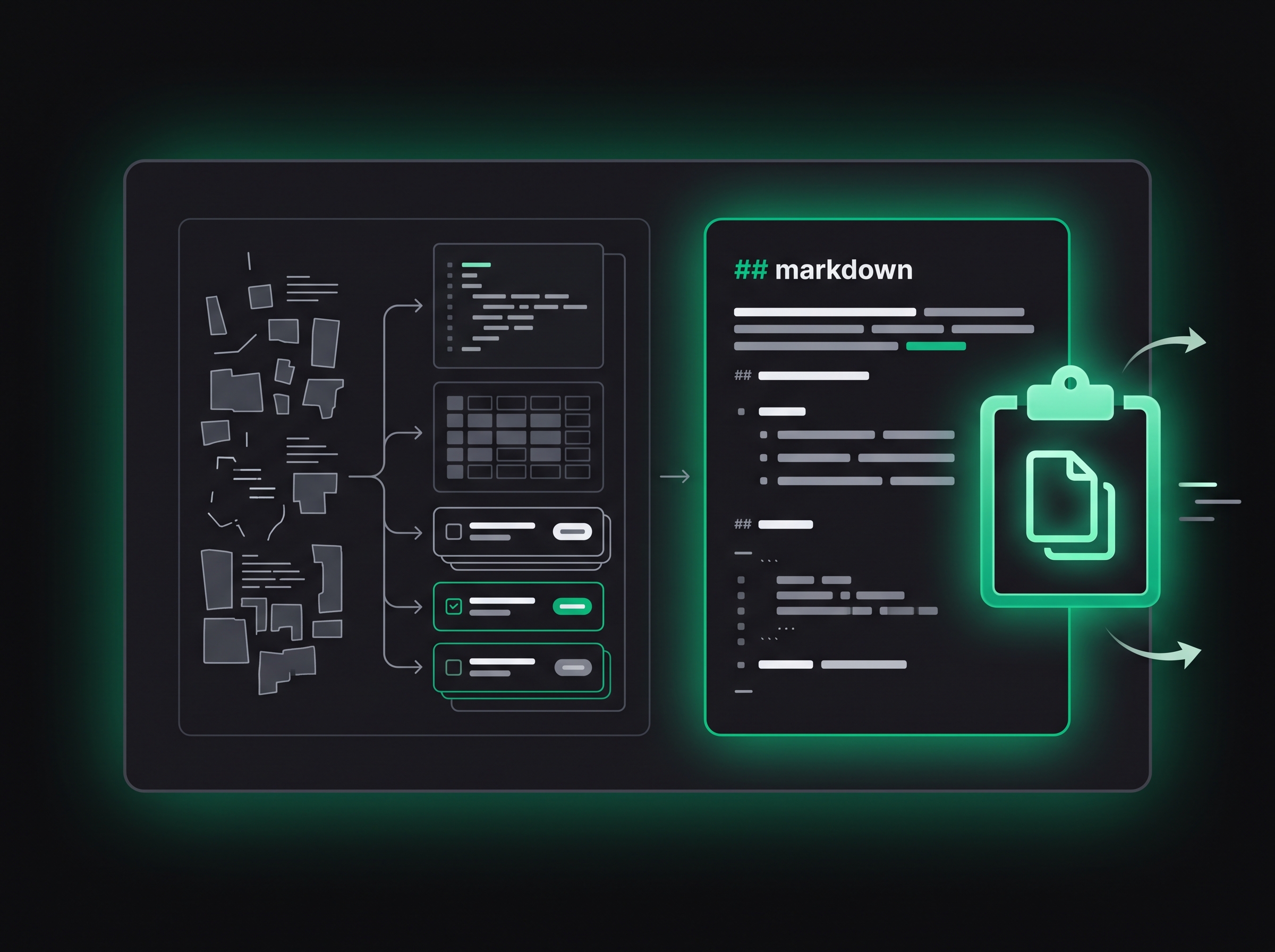
# Mobile Release Sync - Oct 2

### Executive Summary
The team finalized the mobile release schedule, pushing the target launch to October 14 to accommodate comprehensive QA testing on authentication flows.

### Key Decisions
- Mobile release target date moved to October 14.
- $200/month budget approved for the new logging platform.

### Action Items
- **Sarah**: Finalize push notification implementation by Wednesday.
- **Mark**: Deliver updated API specification to frontend team by tomorrow at 12:00 PM.
- **Team**: Next sync scheduled for Friday at 10:00 AM.
Pricing
Pay as you go with simple credit packs
No subscription. Buy a pack when you need it. One credit generates one complete structured recap, and credits never expire.
Generate Meeting Recap: 1 credit. Signing up creates your workspace with zero credits — you buy a pack before your first run.
FAQ
Frequently asked questions
How the recap is produced, what a credit covers, and what Batten deliberately does not do.
Does Batten join or record my meetings?
No. There is no bot, no calendar connection and no recording permission. Batten only reads the text you paste in.
What counts as one credit?
One credit generates one complete recap: summary, decisions, action items and the full markdown. Credits never expire.
Do I get free credits when I sign up?
No. Signing up creates your account and workspace; you buy a credit pack before your first run. Nothing runs until you press generate.
Can I write notes before making an account?
Yes. Open the composer, paste your notes and pick a tone. Your draft stays in this browser and is still there after you sign in.
How does it know who owns a task?
Owners come from the names in your notes. If a task has no name attached, it is returned as “Unassigned” rather than guessed.
Where do my recaps live?
Every generated recap is saved to your own library with its title, date and tone, so you can find it again later.
Stop spending thirty minutes rewriting notes
Create your first structured recap in seconds. Clean, reliable summaries with zero configuration.
- Summary, decisions and owners in one pass
- Markdown you can paste anywhere
- Recaps saved to your own library